8 Admin Tasks Software Can Take Off a Teacher's Plate
Teachers lose hours every week to registers, marks sheets, circulars and parent calls. Eight admin tasks a school can simplify or remove.

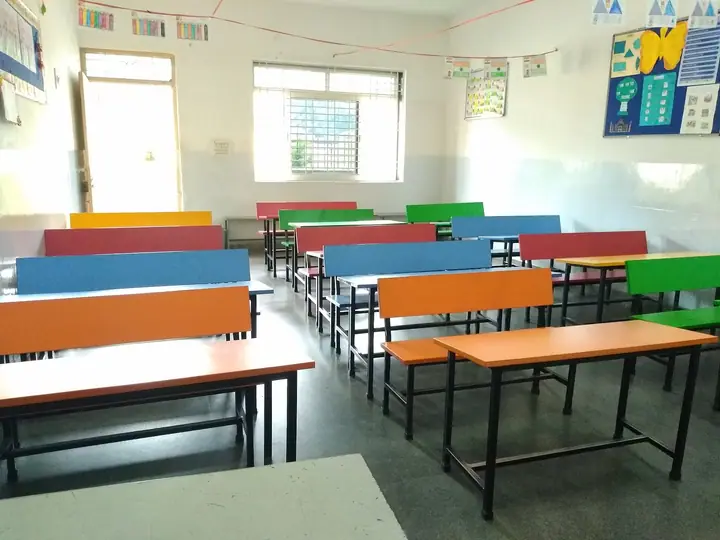
Photo: SJISE · CC BY-SA 4.0
Ask a teacher what takes their time outside the classroom and the answer is rarely lesson planning. It is the attendance register, the marks sheet that has to be copied into another marks sheet, the circular that needs signing, and the parent who calls because they did not see the homework.
None of these tasks is hard. Together they eat the hours teachers would rather spend teaching. Here are eight that a school can simplify, often without spending anything beyond the software it already uses.
1. The attendance register
Paper registers mean marking, totalling at the end of the month, and passing absentee lists to the office. On a phone, the teacher marks everyone present, changes the few who are absent or late, and is done. The office sees the whole school's attendance by the end of the first period, and parents of absent children can be told the same morning.
2. Copying marks between sheets
In many schools, marks are written on answer sheets, copied into a register, typed into Excel and then checked again for the report card. Each copy is a chance for an error. When teachers enter marks once, for their own subject, and the system works out totals and grades, three of those steps disappear.
3. Rewriting remarks onto printed report cards
Report card remarks matter, but in many schools they are drafted on paper, typed by the office, and corrected by hand on the printout. When teachers type each remark once, next to the marks, and the report card is printed from there, the drafting and retyping steps go away. Agreeing a short school guide to what a good remark covers, such as one strength, one area to work on and one suggestion for home, also keeps the quality steady across classes.
4. Homework and diary notes
Writing homework on the board, checking that every child copied it down, and then answering parents who say they never saw it is a daily loop. When homework and the class diary are posted once and parents see them in an app, the "my child didn't tell me" calls stop.
5. Circulars and consent slips
Paper circulars are lost in school bags, and consent slips have to be collected, counted and chased. Sending notices digitally, with the school able to see who has read them, takes this off the class teacher entirely.
6. Answering the same parent questions
"What was the homework?" "When is the PTM?" "Is the fee due this week?" If parents can see attendance, homework, results, notices and fee dues for themselves, many calls and messages to teachers never happen.
7. Leave applications
Student leave notes on paper have to be read, filed and remembered when marking attendance. When parents apply for leave in the app and the class teacher approves it in one tap, the register already knows the child is on approved leave.
8. Finding out what they need to do today
Teachers are often told about tasks in passing, in the staffroom or on a WhatsApp group that moves too fast. A short daily list in one place, covering classes, registers to mark, marks pending and leave requests to approve, means nothing slips and nobody has to chase.
Where to start
You don't need to change everything at once. Most schools start with attendance and homework, because they happen every day and teachers feel the difference in the first week. Marks entry and report cards follow before the first exam.
How SchoolKonnect helps
SchoolKonnect's teacher app opens to a short list of what needs doing today, with the teacher's own timetable and students. Teachers mark attendance in one tap, enter marks for their own papers, write report remarks, post homework and the class diary, and approve student leave from their phone. Parents see all of it in the parent app.
Book a demo and ask your teachers to try it for a day.