How to Choose School Management Software in India: A 2026 Checklist
A practical 2026 checklist for comparing school ERP software in India: modules, data ownership, parent adoption, pricing and demo questions.
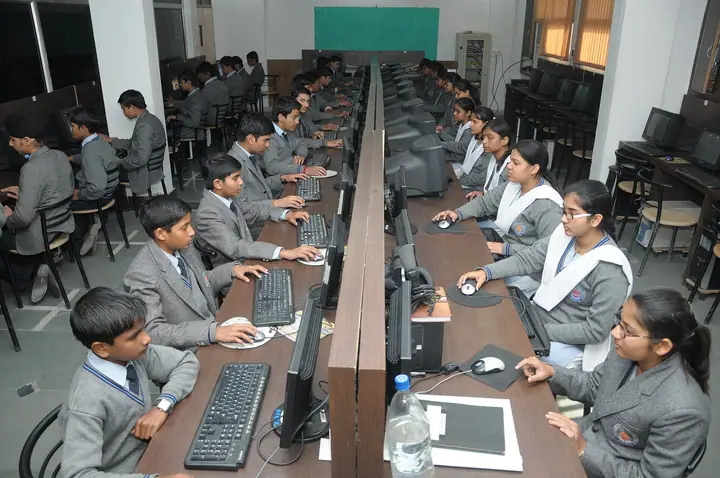
Photo: Shri Ramswaroop Memorial Public School · CC BY-SA 4.0
Most Indian schools do not choose school management software once. They choose it two or three times — after the first system turns out to handle fees but not exams, or the parent app that nobody downloads, or the vendor who cannot export your own data back to you. This checklist is written to help you choose once.
Start with the problem, not the feature list
Every vendor has a feature list longer than your school needs. Before any demo, write down the three things that cost your school the most time or money today. For most schools we speak to, it is some mix of:
- Fee follow-up — the accounts office spends days every month calling families.
- Attendance and communication — teachers mark registers on paper, then someone types them in, then someone calls absent students’ parents.
- Exams and report cards — marks arrive on spreadsheets from twenty teachers in twenty formats.
Judge every product by how well it solves your three, not by how many modules it lists.
The modules that matter for an Indian K-12 school
A complete school ERP in India should cover, at minimum:
- Admissions and student records — enquiries, online applications with documents, and a single record per student that follows them through every year.
- Attendance — student and staff, with late and half-day statuses, leave requests and a school-wide view.
- Fees — fee structures by class, concessions, instalments, late fees, online and counter collection, receipts and defaulter reports.
- Exams and report cards — terms, papers with internal and external components, teacher marks entry and report cards your board expects.
- Timetable and teacher tools — a teacher’s day: their periods, register, homework and marks in one place.
- Parent communication — a parent app or portal, plus WhatsApp, SMS and email for the families who never open an app.
- HR and payroll — salaries that follow staff attendance and leave.
- Transport, front office and library — the operations that quietly consume the office’s day.
If a vendor covers only some of these, ask how the rest will connect. Two systems that do not share data mean somebody re-typing it.
Ask where your data lives — and how you get it back
Your student records include children’s personal data, and India’s Digital Personal Data Protection Act applies to it. Ask every vendor:
- Where is the data hosted? In India, and on which cloud?
- Is our data separated from other schools’? Some platforms keep every school in one shared database; others give each school its own.
- Who can see what? Can you restrict an accountant from exam marks, or a teacher to their own classes?
- Can we export everything? Students, fees, marks — in a format you can open in Excel, without a support ticket.
At SchoolKonnect, each school’s data sits in its own database on Microsoft Azure in India, and access is set role by role. You can read more on our security page.
Test parent adoption, not the parent app
A beautiful parent app is worthless if 30% of parents use it. In the demo, ask:
- Does it work in a phone browser, or must every parent install something?
- Can the school still reach parents who will never open the app — by WhatsApp or SMS?
- What does a parent see on the first screen? It should answer “Is my child at school, and do I owe anything?” in two seconds.
Read our guide to parent communication that actually gets read for more on this.
Watch a teacher, not a salesperson
Ask the vendor to hand the demo to one of your own teachers for ten minutes. Can they mark attendance, set homework and enter marks without help? Teachers are the largest group of daily users; if they find it slow, your data will be late and incomplete no matter how good the reports are.
Understand the real cost
School ERP pricing in India is usually per student per year, sometimes with a one-time setup fee. When comparing quotes, check:
- Are all modules included, or is each one priced separately?
- Are SMS and WhatsApp messages included or billed per message?
- Is data migration from your current system included?
- Is training included for every role, or only for the admin?
A cheaper quote that excludes migration and training is often the more expensive one by the end of the first term.
Questions to ask in every demo
- Show me how a new admission is billed for fees automatically.
- Show me a teacher entering marks for one paper on a phone.
- Show me how a parent requests leave, and where the class teacher sees it.
- Show me today’s defaulters and how I would remind them.
- Show me how I export all our students to Excel.
- Show me what happens when I switch a module off.
A sensible way to switch
Switch at the start of a term, not in the middle of exams. Import students and fee structures first, run attendance and fees on the new system for one month, then move exams once teachers are comfortable. A good vendor will set up a demo school with your own classes so staff can practise before the real data goes in.
If you would like to see how SchoolKonnect handles your three problems, book a walkthrough — we will set it up with your school’s classes and fee heads.