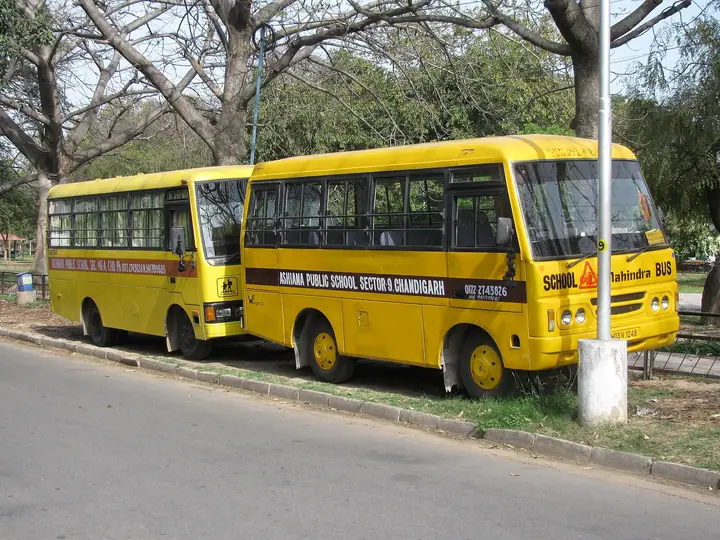
School Transport Safety: A Practical Checklist for Administrators
A checklist for Indian school transport managers: vehicles, drivers and attendants, routes, rider lists, capacity and what to tell parents.
Transport
Know which child is on which bus, who is driving it, and whether it is over capacity — before the first trip of the morning.
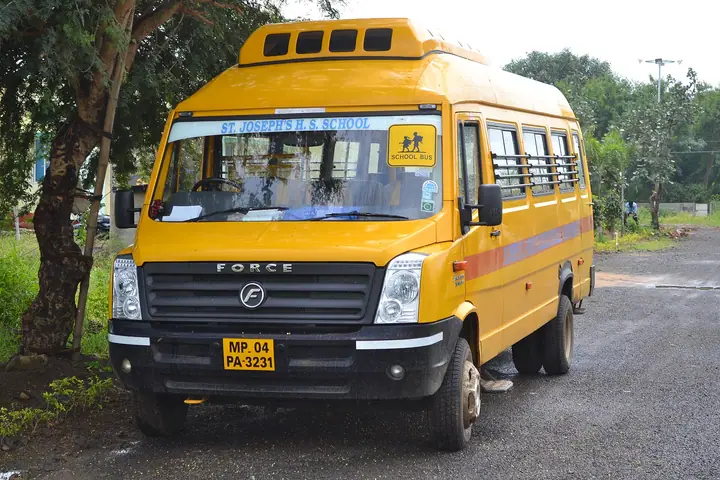
Routes with ordered stops and pick-up times, reused across shifts.
Registration, seating capacity, regular driver and conductor for each vehicle.
One bus running one route on one shift — several buses on a busy route are no problem.
Students assigned to a trip and stop, visible to the office and the class teacher.
Buses carrying more students than seats, and trips with no driver, are flagged.
Billed by route or stop as part of the student’s fee structure.
Yes. Trips carrying more students than the vehicle seats are listed so the office can rebalance them.
Yes. Transport is a fee head, so fees can follow the route or stop a student uses.
Not today. SchoolKonnect manages routes, vehicles, crew and riders; live GPS tracking is not part of the product.
A checklist for Indian school transport managers: vehicles, drivers and attendants, routes, rider lists, capacity and what to tell parents.
Practical steps Indian schools use to cut overdue fees: clear fee structures, timely reminders, online payment, consistent late fees and early talks.
Book a 30-minute walkthrough. We’ll set up a demo school with your classes and fee heads so your team sees exactly how a day would run.