Live Online Classes for Schools: A Practical Guide for Remedial Classes, Guest Talks and Closures
When schools still need live online classes, from closures and remedial sessions to guest speakers, and how to run them safely without meeting-link chaos.
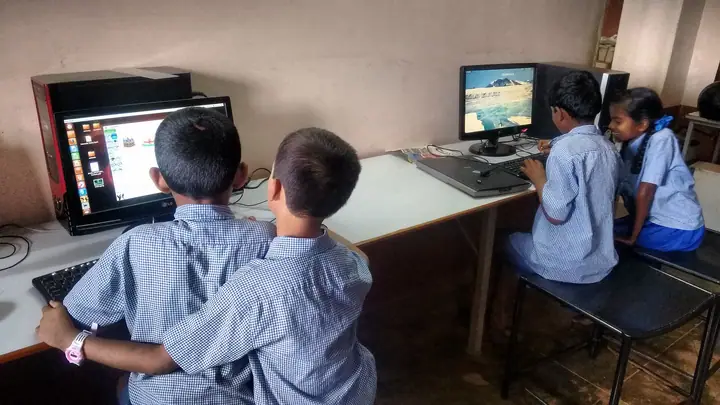
Photo: Nashvara · CC BY-SA 4.0
Most schools moved back to full classroom teaching years ago, and few want to go back to all-day video calls. But live online classes have not disappeared. They have become a tool for specific situations, and schools that plan for those situations use them far better than they did in a hurry.
When live classes are still useful
- Unplanned closures: heavy rain, heatwaves, pollution days or local disruptions, when the school is shut but the syllabus is not
- Remedial and revision classes: small groups in the evening or at weekends before board exams
- Guest talks: a doctor, an alumnus, a career counsellor or an author who can give 40 minutes but can't travel to the school
- Parent sessions: orientation for new parents, or a talk on exam stress, where more families can attend from home
- Students who are away for a long time, after an illness or injury, who can follow along with the class
The problems schools ran into before
Looking back at how schools ran online classes during closures, the same problems come up again and again:
- Meeting links everywhere. Links shared in WhatsApp groups, forwarded to people who shouldn't have them, and lost in the scroll.
- Personal accounts. Teachers using their own meeting accounts, with time limits and no school control.
- Strangers in the class. Open links that anyone could join.
- No attendance. No clear record of who actually joined.
How to run them well
1. Schedule classes for a class, not a link. A live class should belong to a section and a subject, so only the right students see it and can join. Nobody should need to forward a link.
2. Let students join from where they already are. If students and parents already use the school app, the live class should appear there, on the home screen, at the right time.
3. Use one-off links for guests. A guest speaker should get a link for that session only, which stops working afterwards. They shouldn't need an account or access to anything else.
4. Keep it school-branded and school-controlled. Use a meeting service the school controls, under the school's name, rather than personal accounts.
5. Teach, don't just talk. A whiteboard and screen sharing turn a video call into a lesson. Short sessions of 30 to 40 minutes with a clear task work better than full periods.
6. Agree simple rules with families. Cameras, muting, recording, and what happens if a child cannot join. Write them down once and share them before the first session.
Be ready before you need it
The worst time to set up online teaching is the night before a closure. Choose the tool, check that teachers can schedule a class, and run one practice session per section at the start of the year. When a closure comes, the school simply switches on what it has already tried.
How SchoolKonnect helps
With SchoolKonnect live classes, a teacher schedules a live class for their section and subject, and students join from the parent app they already use. Guest speakers get a one-off invite link. Classes run on SchoolKonnect's own meeting service under your school's name, with a whiteboard and screen sharing, and nobody needs a separate meeting account.
Book a demo to try a live class with your teachers.