Parent Communication That Gets Read: WhatsApp, SMS, App or Circular?
How Indian schools can pick the right channel for each message — WhatsApp, SMS, email, parent app or circular — and tame class WhatsApp groups.
Live classes
Teachers schedule a live class for their section; students join from the app they already use. Guest speakers get a link of their own.
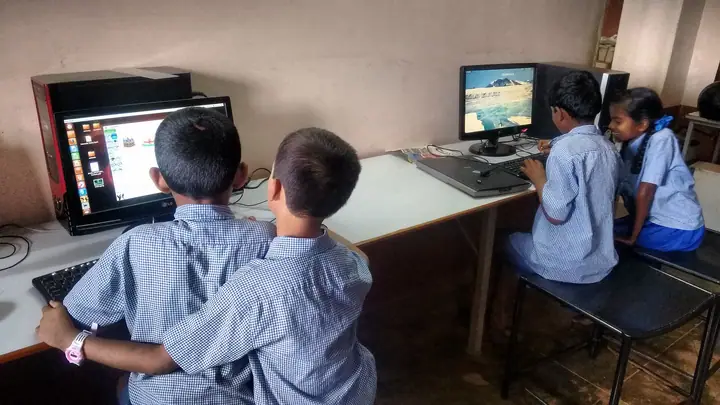
A live class belongs to a class and subject, so the right students see it.
Students and parents see live and upcoming classes on the home screen.
Bring in a parent speaker, counsellor or expert with a one-off link.
Classes run on SchoolKonnect’s own meeting service, under your school’s name.
Everything a teacher needs to teach, not just talk.
Nobody needs a separate video-meeting login.
No. Students join from the SchoolKonnect app or a browser link.
Yes. Teachers can create a guest invite link for a speaker who is not part of the school.
Teachers schedule classes for the sections they teach; the class teacher and office can see them.
How Indian schools can pick the right channel for each message — WhatsApp, SMS, email, parent app or circular — and tame class WhatsApp groups.
A grounded look at AI for Indian school offices: answering questions from school data, drafting messages, spotting patterns — and the limits to set.
Book a 30-minute walkthrough. We’ll set up a demo school with your classes and fee heads so your team sees exactly how a day would run.