School Front Office & Visitor Management: Gate Passes, Early Leave and Child Safety
How to run a school reception that knows who is on campus — visitor logs, gate passes, early pick-up approvals, item hand-over and enquiries — with a checklist.
Front office
Every visitor signed in and out, every early pick-up approved and recorded, every parcel handed over — and parents told the moment their child leaves.
Who came, whom they met, why and when they left — with a printed gate pass.
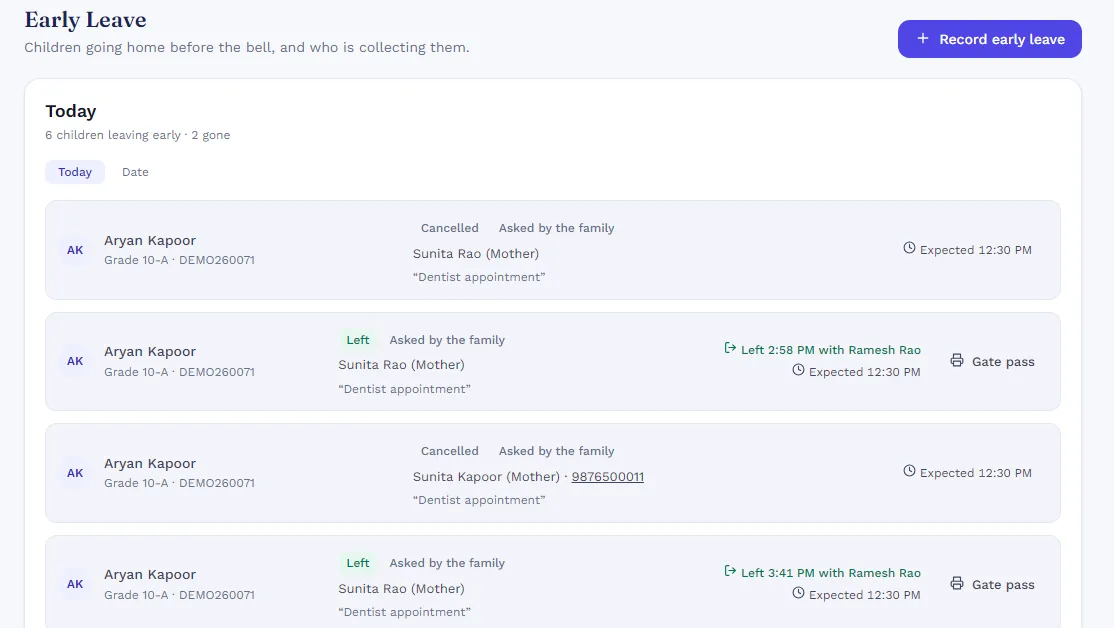
Requested by the parent or the office, approved, then released only to a named collector.
The family is told the moment a child leaves early. The register shows “Left early”.
Lunch boxes, books and forgotten items dropped by parents, logged and handed over.
Admission and general enquiries with follow-ups; admission enquiries become applications.
Inward and outward post and couriers, with who received them.
Front office shares its records with every other SchoolKonnect module — students, classes, staff and fees are entered once and used everywhere. That is why reports add up and parents see the same figures as the office.
See every moduleA parent or the office records the request, an authorised person approves it, and the child is released only to the named collector. The parent is notified and attendance shows the child left early.
Yes. Visitor and early-leave gate passes print from the front office screen.
Yes, from the parent app under Pick-up & items.
How to run a school reception that knows who is on campus — visitor logs, gate passes, early pick-up approvals, item hand-over and enquiries — with a checklist.
A checklist for Indian school transport managers: vehicles, drivers and attendants, routes, rider lists, capacity and what to tell parents.
Book a 30-minute walkthrough. We’ll set up a demo school with your classes and fee heads so your team sees exactly how a day would run.