12 Data Security Questions to Ask Before You Choose School Software
Student data is sensitive. Twelve plain questions to ask any school software vendor about where data is stored, who can see it, backups, exits and the DPDP Act.
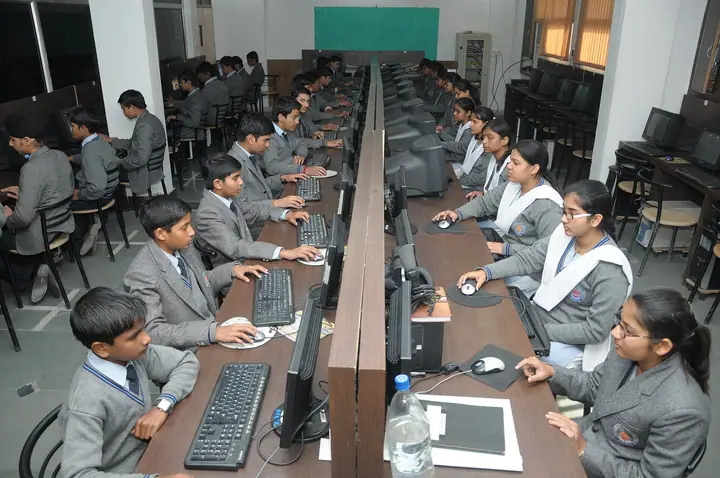
Photo: Shri Ramswaroop Memorial Public School · CC BY-SA 4.0
A school ERP holds some of the most sensitive data an organisation can have: children's names, dates of birth, addresses, health notes, parents' phone numbers, fee records and photographs. Yet security is often the last thing discussed in a software demo, after the dashboards and the price.
You don't need to be a technical expert to judge a vendor. Ask these twelve questions, and listen for clear, specific answers.
Where the data lives
1. Where is our data physically stored? Ask for the cloud provider and the country or region. "In the cloud" is not an answer.
2. Is our school's data kept separate from other schools? Some systems keep every school in one shared database, separated only by a school ID column. Others give each school its own database. Separate databases limit the damage if something goes wrong.
3. Is data encrypted in transit and at rest? The answer should be yes to both: HTTPS for everything, and encrypted storage.
Who can see what
4. Can we control access by role? A class teacher should see their own class, the accounts desk should see fees, and a driver should see their route, not the whole school. Ask to see how roles and permissions are set up.
5. Is there an audit trail? If a mark is changed, a fee is waived or a student record is edited, can you see who did it and when?
6. Which of your staff can access our data, and when? Support staff sometimes need access to fix problems. Ask how that access is controlled and recorded.
7. How do staff sign in, and what happens when someone leaves? Shared logins are a common weak point in schools. Every staff member should have their own login, and removing a leaver should take one step.
Backups and continuity
8. How often is data backed up, and how long are backups kept?
9. Have you ever restored a school's data from backup? A vendor that has done it will answer quickly and in detail.
10. What happens if we stop using your software? You should be able to export your data in a usable format, such as Excel or CSV, and the vendor should confirm when your data is deleted after you leave.
The law and AI
11. How do you support our duties under the DPDP Act? Under India's Digital Personal Data Protection Act, the school is responsible for the personal data it collects, including children's data, which needs verifiable parental consent. The vendor processes that data on the school's behalf and should be able to explain how its software supports consent, access control, correction and deletion.
12. If the software uses AI, what data does it use, and who can see the answers? An AI assistant should only answer from data the person asking is already allowed to see.
Red flags
- Vague answers about where data is stored
- One admin login shared by the whole office
- No way to export your data
- "We have never had a security problem" instead of a description of what is in place
How SchoolKonnect answers
Each school's data in SchoolKonnect is kept in its own separate database, hosted in India on Microsoft Azure, with role-based permissions and an audit trail. SIA, the built-in AI assistant, answers using the permissions of the person asking. Read more on our security page, or see our guide to the DPDP Act and student data.
Book a demo and bring these twelve questions with you.